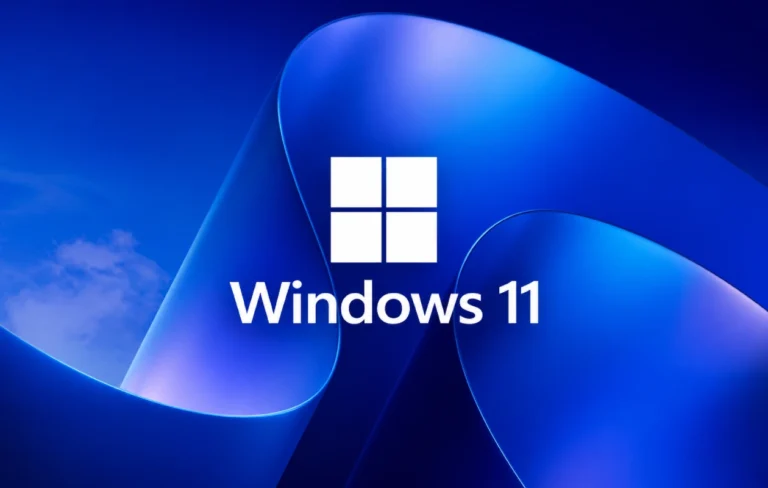
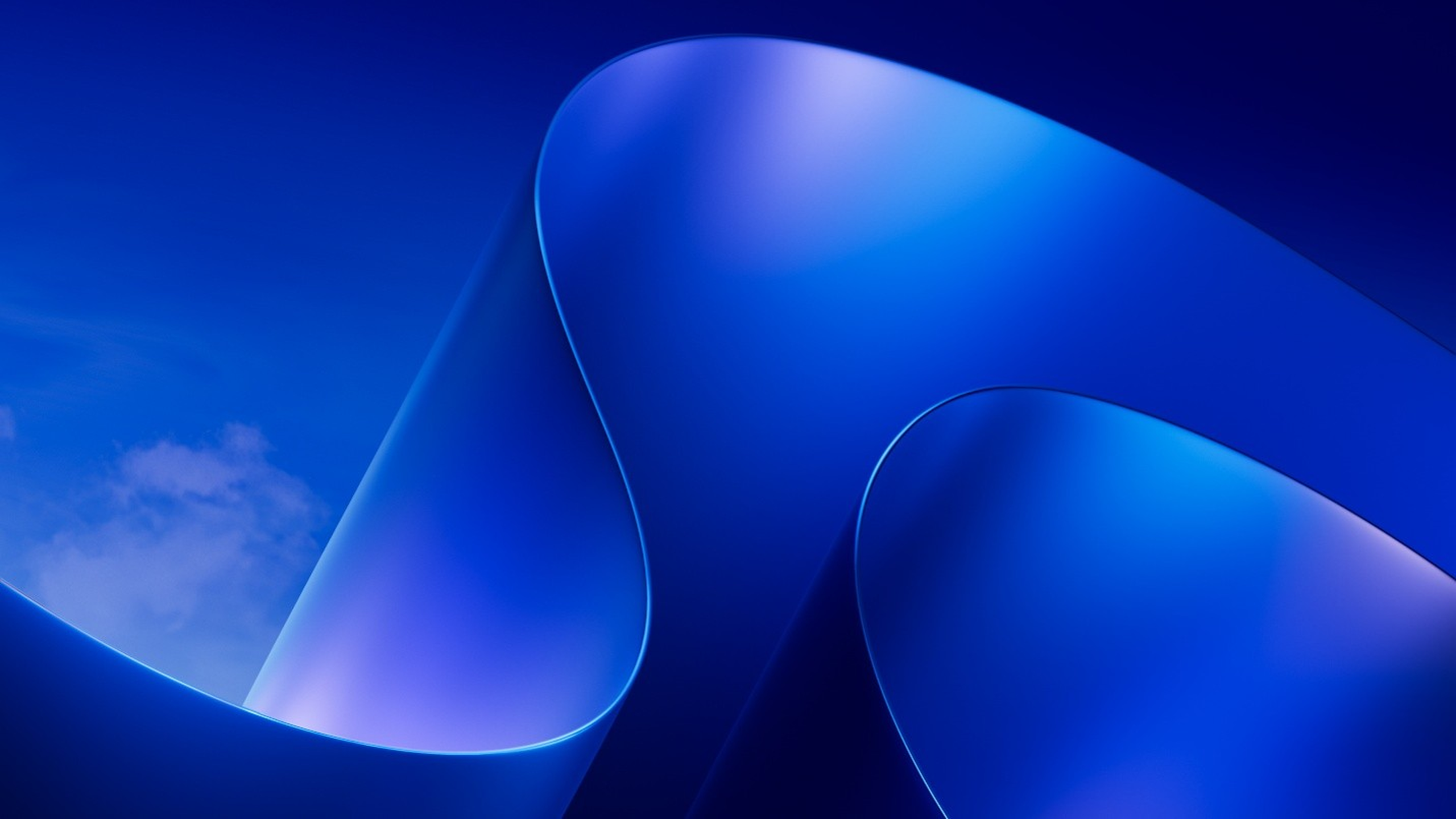
Microsoft may be getting ready to give Windows 11 a fresh new look with a redesigned default wallpaper. The familiar Bloom wallpaper has been part of the Windows 11 experience since its launch in 2021, but a new abstract design is reportedly on the way in 2027.
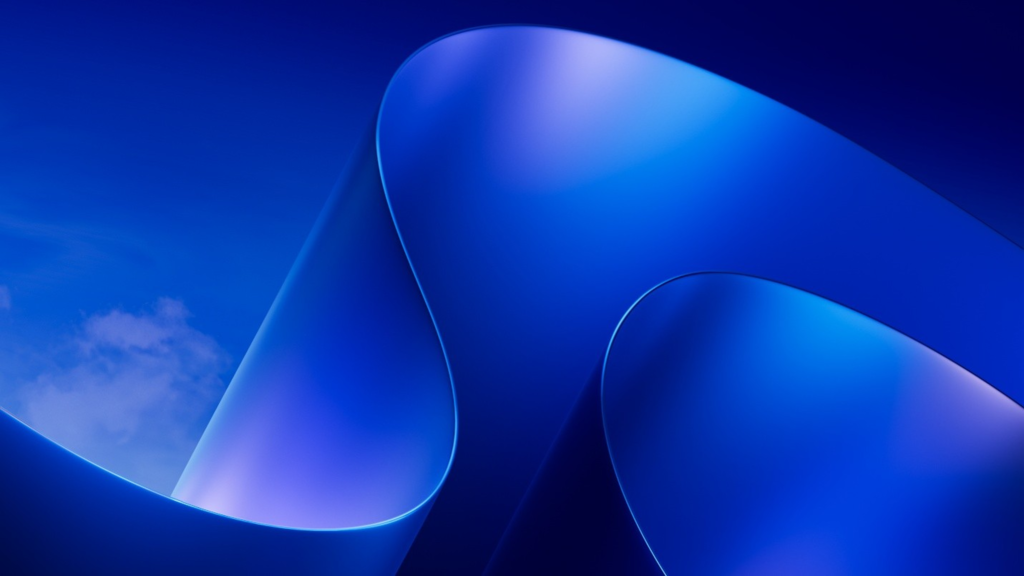
The upcoming wallpaper features flowing ribbon-like shapes, smooth curves, and subtle gradients in shades of blue. It has a clean, modern appearance, with soft clouds and a lighter blue area adding depth to the design.
While Microsoft hasn’t officially confirmed that this wallpaper will replace Bloom, the new design has already caught the attention of Windows fans. If you like the look, you can download the Windows 11 2027 wallpaper below in its available quality, including an upscaled 4K version.
Windows 11 2027 Wallpaper Gallery
Here’s a closer look at the new Windows 11 wallpaper. The design takes a different direction from the familiar Bloom background, using larger, flowing shapes and a more open, minimal layout.
The original preview image is available at 1431 × 805 pixels. I’ve also upscaled it to 4K, so you can use it on larger monitors and high-resolution displays.
Wallpaper Resolution & File Information
The Windows 11 2027 wallpaper is available in its original preview resolution of 1431 × 805 pixels. For a sharper result on modern displays, the image has also been upscaled to 4K resolution.
You can choose the version that best suits your screen. The original image is a good option if you want to keep the source dimensions, while the upscaled version is better suited to larger desktop monitors and 4K displays.
Original resolution: 1431 × 805 pixels
Enhanced version: Upscaled 4K
Wallpaper style: Abstract, flowing ribbon design
Best suited for: Windows desktops, laptops, and large monitors
File format and size: Add verified format and file size details here.
How to Apply the Wallpaper
Once you’ve downloaded the Windows 11 2027 wallpaper, setting it as your background is easy. Follow the steps below for your device.
On Windows 11
Download the wallpaper image to your PC.
Right-click on your desktop and select Personalize.
Choose Background.
Under Personalize your background, select Picture.
Click Browse photos and choose the downloaded wallpaper.
Select your preferred fit option, such as Fill or Fit.
Your new wallpaper will now appear on your Windows 11 desktop.
On Android
Download the wallpaper to your phone.
Open it in your Gallery or Photos app.
Tap the three-dot menu and select Set as wallpaper.
Choose whether to apply it to your Home screen, Lock screen, or both.
Adjust the image and confirm.
On iPhone
Save the wallpaper image to your Photos app.
Open Settings and tap Wallpaper.
Select Add New Wallpaper.
Choose the downloaded image from Photos.
Adjust the wallpaper to your liking and tap Add.
Set it as your Lock Screen, Home Screen, or both.
Enjoy the fresh Windows 11-inspired look on your device!